UI, shortcuts & themes
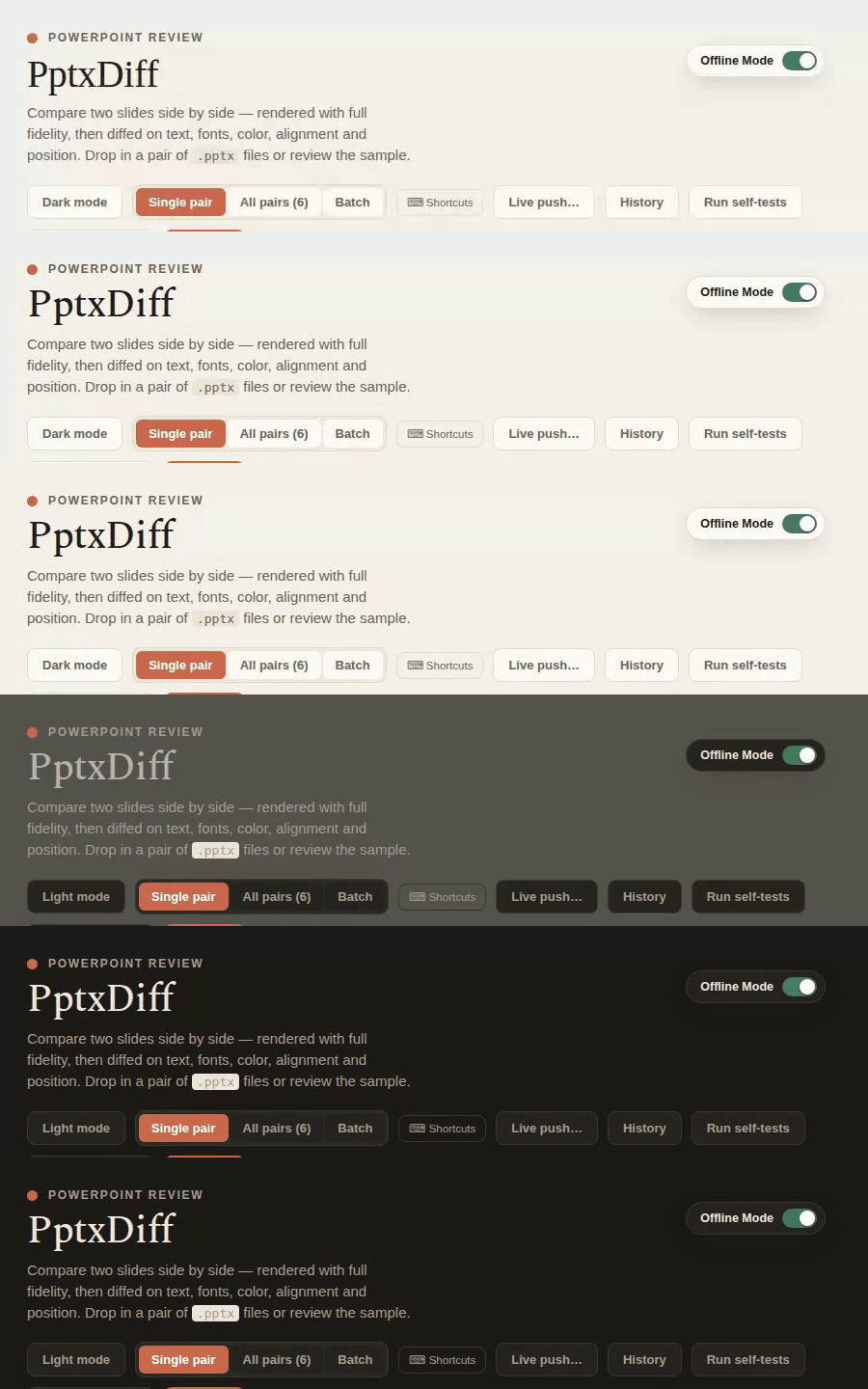
Dark mode
A dark/light toggle threads a full theme palette (background, card, border, text, muted, chip colors) through every panel in the app — not just a CSS class swap.
Keyboard shortcuts
Press ? any time to open the full shortcuts help modal (closable via Esc, click-outside, or ✕). Shortcuts are ignored while focus is in an input, textarea, or contenteditable element.
| Key | Action |
|---|---|
A |
Approve |
R |
Reject |
← / → |
Previous / next slide (both sides) |
V |
Toggle single/all-pairs view |
D |
Toggle dark mode |
C |
Jump to single view and focus the comment box |
N |
Jump to the next changed slide after the current one |
? |
Open the shortcuts help modal |
Offline Mode
A labeled switch in the extreme top-right corner of the page — deliberately separated from the toolbar's button cluster below it, so it reads as a persistent mode setting rather than another action. It reflects and controls PPTXDIFF_LITE_MODE:
- ON (the default) — React, ReactDOM, Babel, JSZip,
@aiden0z/pptx-renderer, and the Spectral font all load from the vendored local copies (see Architecture). Track color is#3E7C5A, this app's existing semantic "good" color. - OFF — the same five load from their original CDNs instead (
?lite=1in the URL).
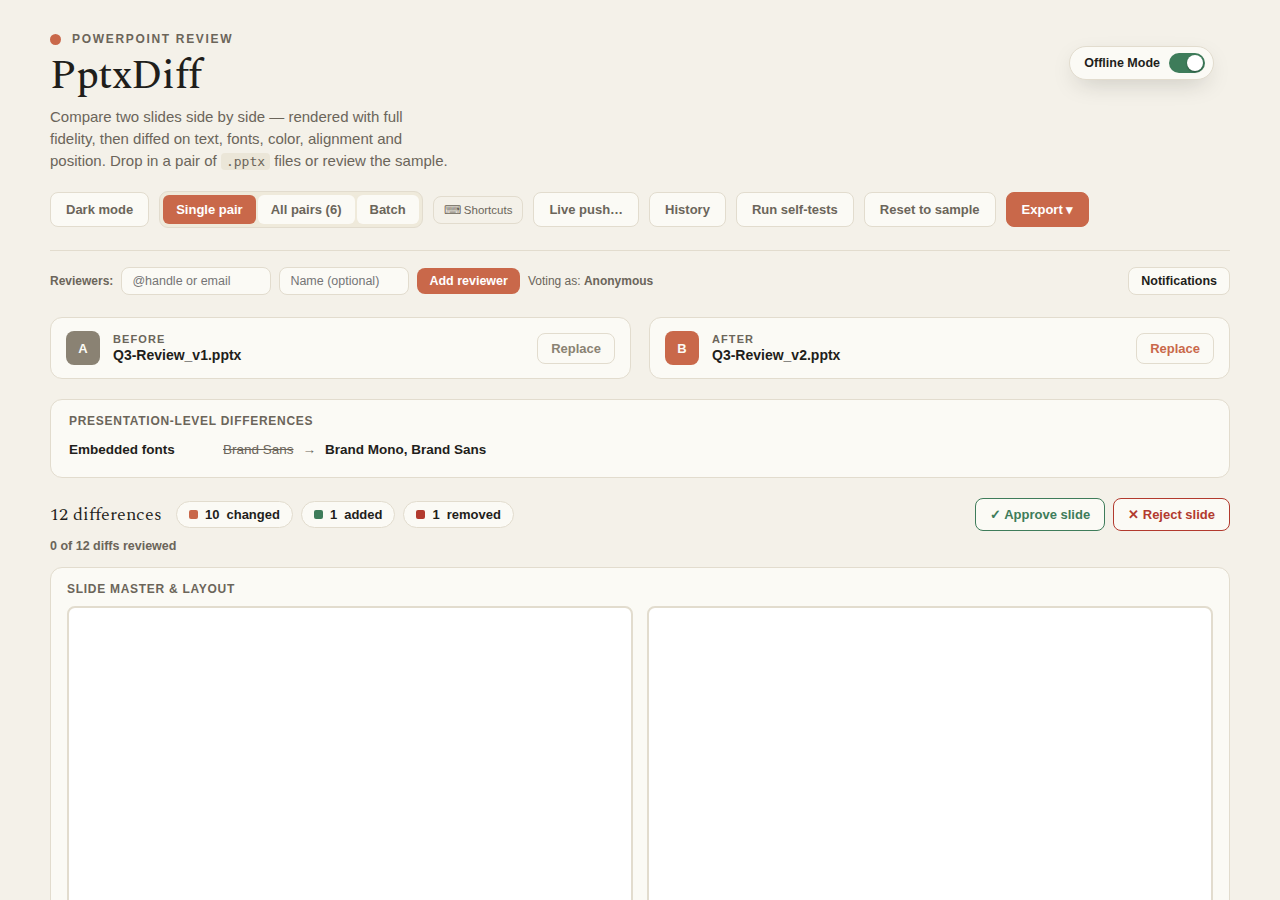
Clicking it navigates to the flipped URL — a real page reload, not a live toggle, since which libraries got loaded is decided once, before the app even mounts, and can't be swapped out from under a running page. Any currently-uploaded (not-yet-persisted) Before/After files are lost on that reload, same as manually editing the URL would do today.
Tweaks
The host "Tweaks" panel exposes:
accentColor— a color picker for the app's accent color.wordLevelDiff— a boolean toggling the word-level LCS highlighting described in Diff engine on or off.
Touch support
Batch-file drag-to-reorder (see Batch mode) works via both native HTML5 drag-and-drop and touch events, including a floating drag-preview ghost that follows your finger — so reordering works on mobile and tablets, not just desktop pointer devices.
Accessibility
aria-labels are set on icon-only controls (remove-reviewer ✕, per-diff approve/reject ✓/✕, prev/next slide arrows ‹›); toast notifications use role="status" aria-live="polite" so they're announced by screen readers without stealing focus.